

Study time tracker Count your real study time, not the time the timer ran.
TimeUno records what you do on your computer and sorts it into learning, research, writing and distraction. You see how many hours you actually studied, per course, without starting a timer.
Track your study time 14-day trial, then $14.99 a month
Why a study timer isn’t enough
A study time tracker should show the hours you really studied. A Pomodoro timer shows how long it ran, including the ten minutes on YouTube in the middle. TimeUno records the app or site in front of you instead, so time drifting off is counted as what it was.
Idle time is left out too. If you walk away from the laptop, that time does not count as study.
How it tracks study on your computer
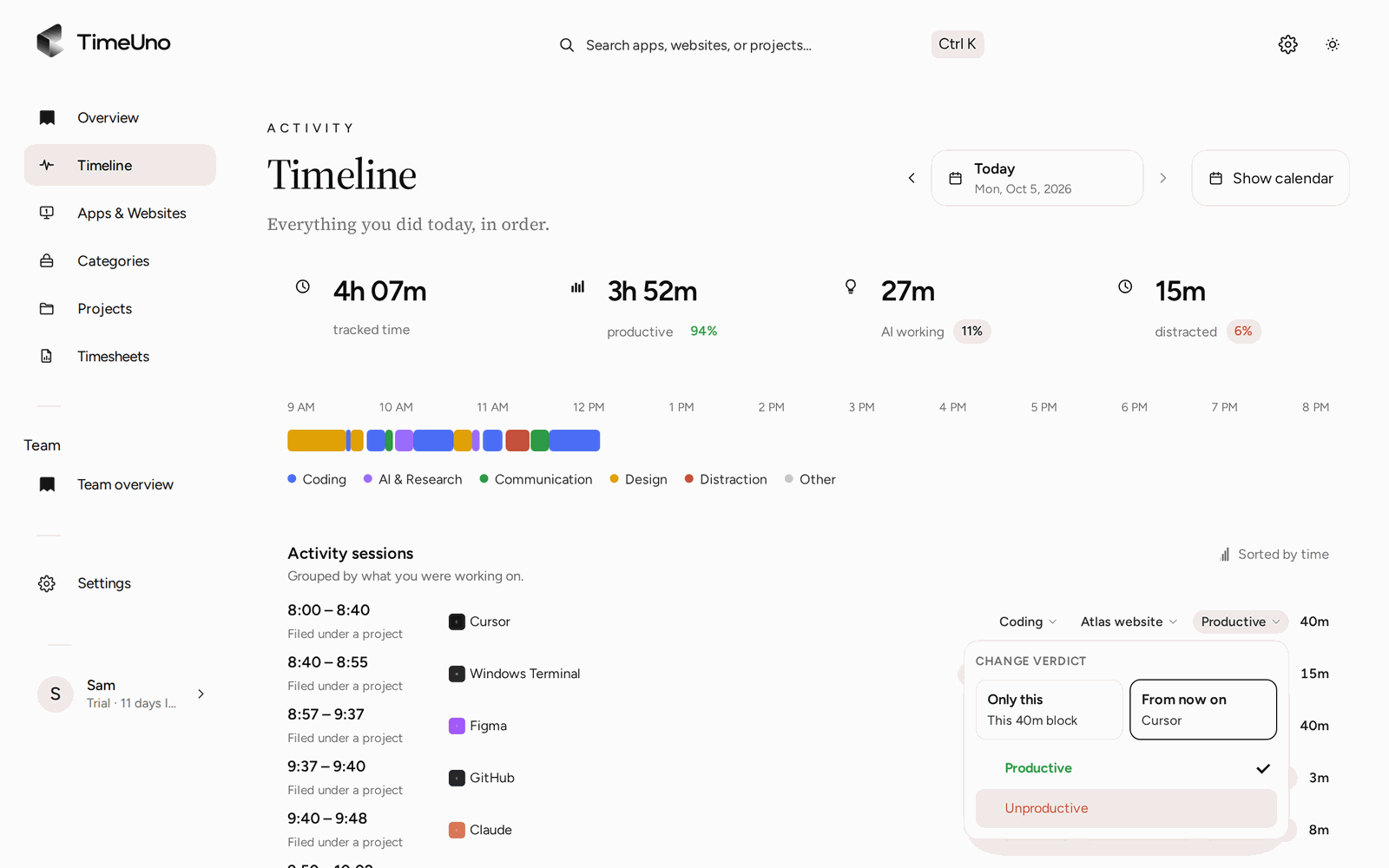
Install the desktop app and the browser extension, and keep working as you do now. Every stretch of time gets a category, such as learning, research, writing, social or entertainment, and a verdict: productive or unproductive.
- Add a project for each course, with keywords like the course code.
- Study in your PDF reader, notes app, course site or editor.
- Check the Timeline at the end of the day to see your study blocks and breaks in order.
If TimeUno gets something wrong, say a lecture on YouTube marked as entertainment, correct it once. It remembers, and repeated corrections become rules.
What you see at the end of the week
The Projects page shows hours per course for the week, and the productivity score (0 to 100) shows how focused the time was. If you use ChatGPT or Claude while studying, that time shows up separately as AI time.
TimeUno only sees the computer. Lectures, paper notes and reading on your phone stay out of the count, so keep a short note of those if you want the full picture.
Updated 13 October 2026
Questions people ask
Does TimeUno track studying on my phone?
No. TimeUno has no mobile app. It tracks study on a Mac, Windows or Linux computer and in the browser. Reading on paper or a phone is not counted.
Can I track time per course or subject?
Yes. Add a project for each course with keywords such as the course code or name. Documents and pages whose titles contain those words are filed under that course.
Is there a student discount or free plan?
No. TimeUno costs $14.99 a month, or $10.49 a month billed yearly, after a 14-day trial.