

Press kit
Writing about TimeUno?
Descriptions you can paste, the facts, and the logos, screenshots, video and graphics you may use. Every image downloads in full size. For anything else, email support@timeuno.io.
 Download
 About TimeUno
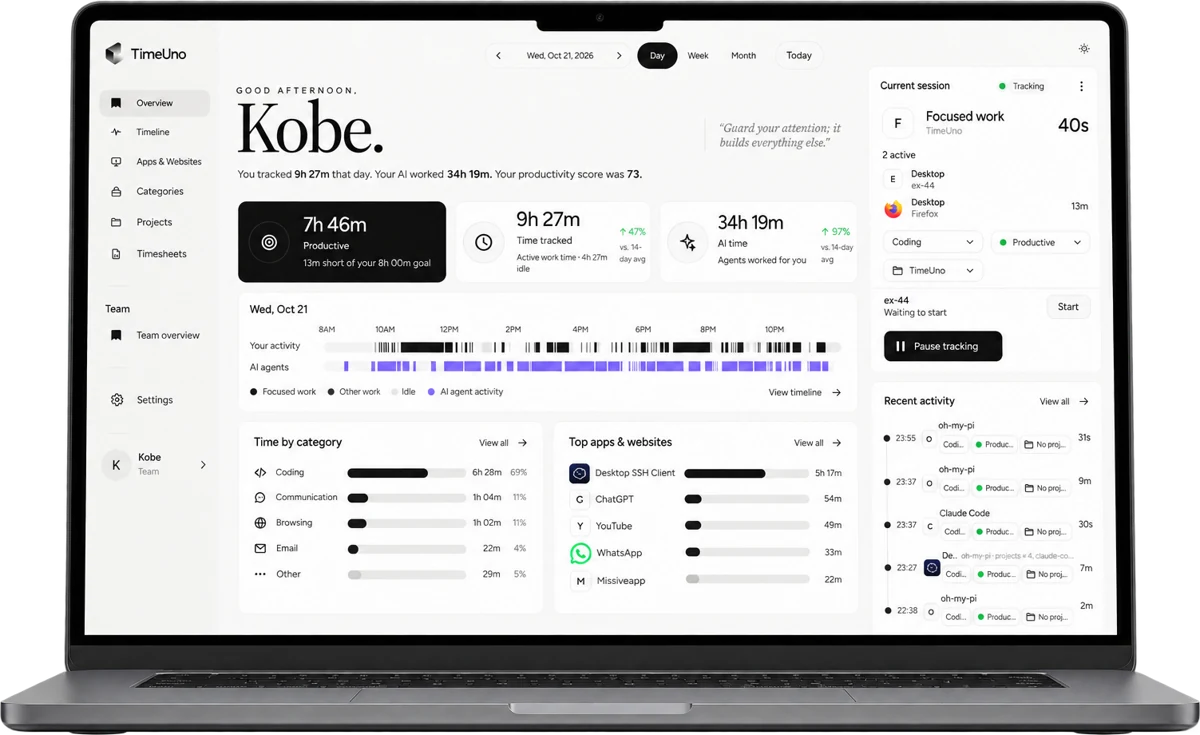
TimeUno is a time tracker for people who work with AI tools. It records the app or site in front of you and what AI tools such as Claude Code and Cursor are doing. Then it builds the timesheet for the person who did the work.
One line: TimeUno tracks your time automatically, including the work your AI agents do, and turns it into a timesheet you can send.
TimeUno is for the person doing the work and the timesheet that comes from it. It is not employee monitoring, and we ask writers not to describe it that way.
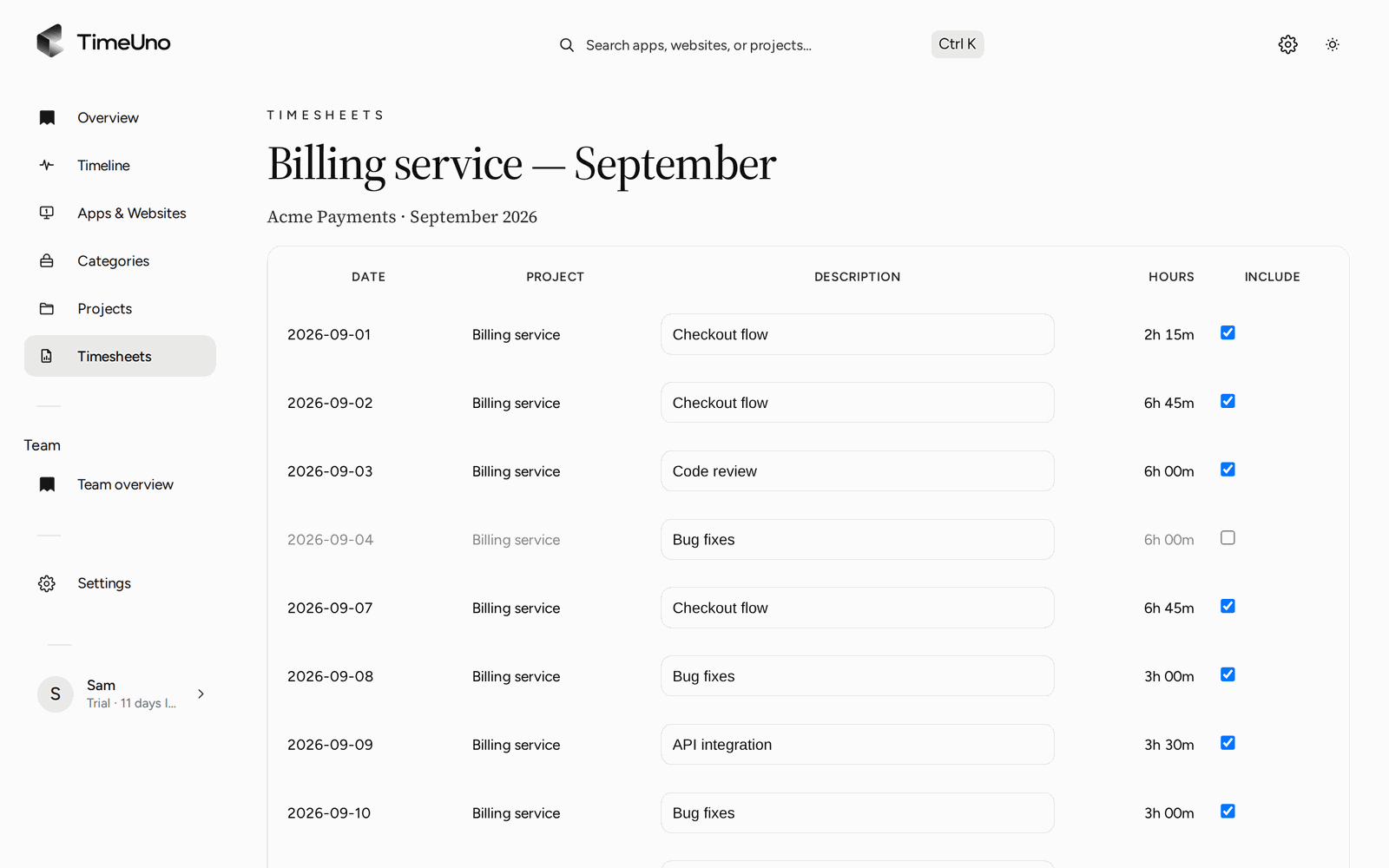
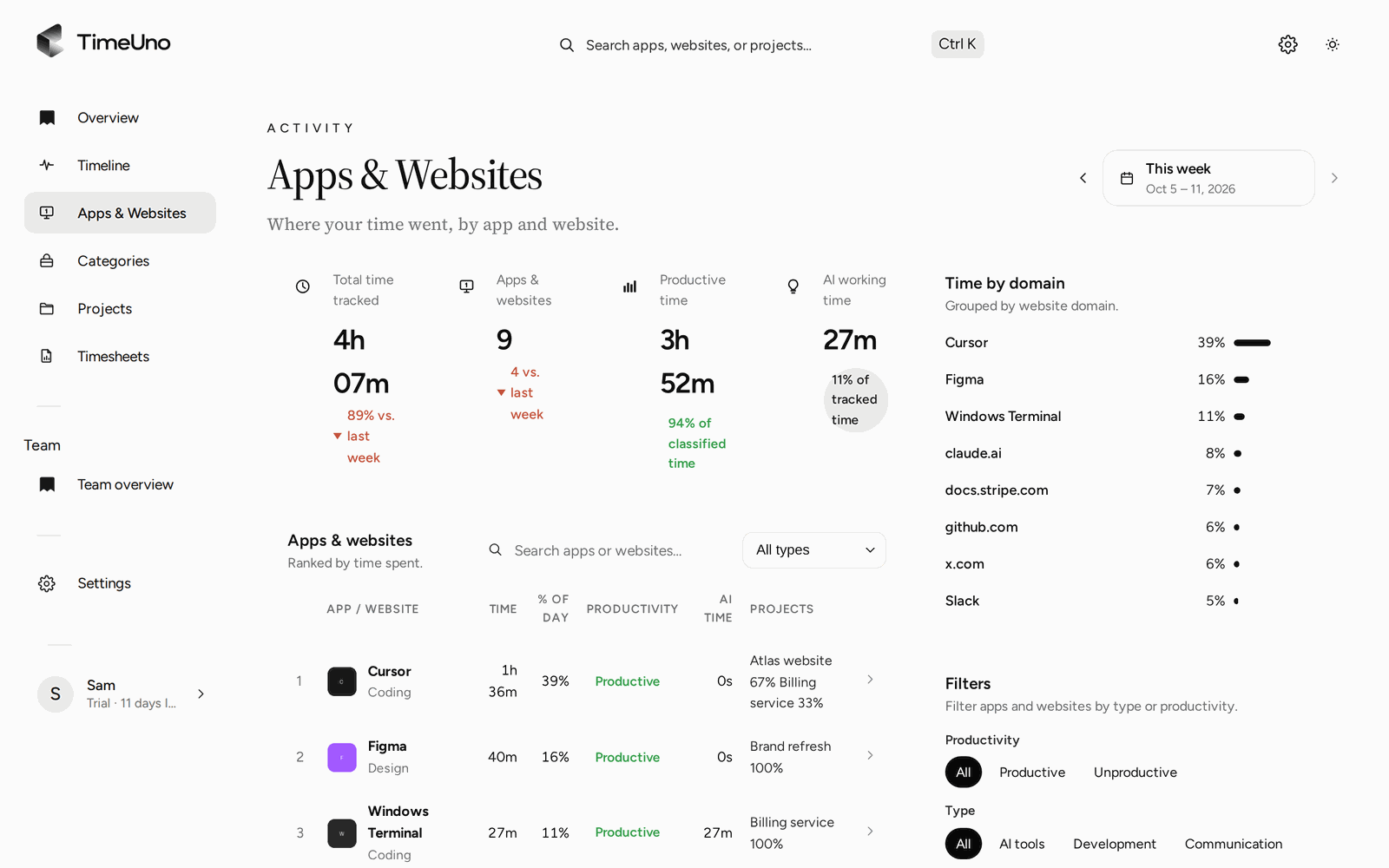
- Automatic timesheets. Time is recorded as you work and sorted by category. You review and send. You do not start and stop timers.
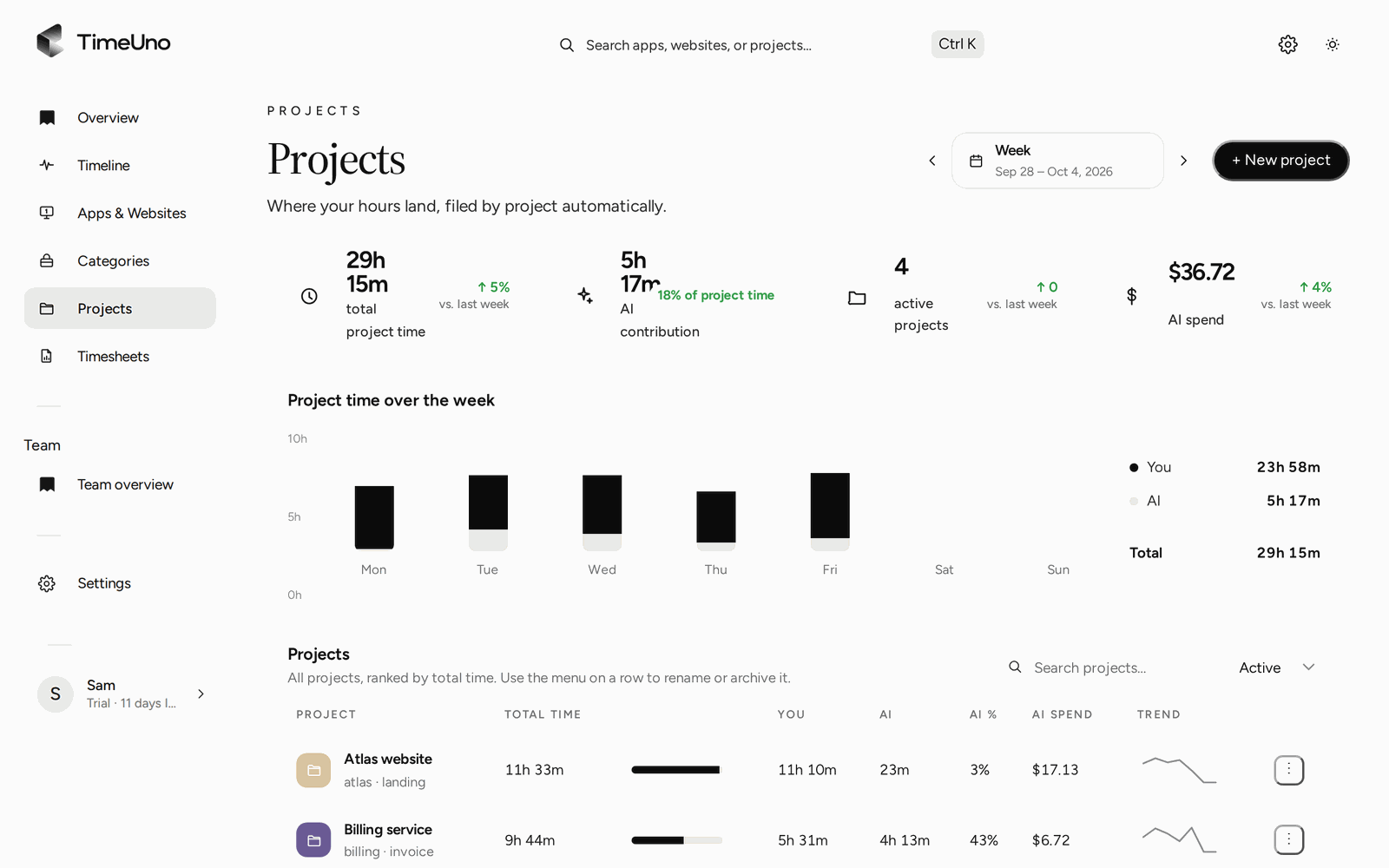
- It tracks AI work. Claude Code, Codex, Cursor and similar tools count towards the day, including agents running over SSH on a server.
- Privacy by design. AI-tool integrations send metadata only. Prompts and code never leave the device. On-screen text is read on the device and can be turned off per computer or for a whole workspace.
- Many places, one account. A desktop app for Windows, a Linux beta, a browser extension and a headless Linux agent.
Copy and paste
25 words
TimeUno is a time tracker for people who work with AI tools. It records your work automatically, including what your AI agents do, and builds the timesheet.
50 words
TimeUno is a time tracker for people who work with AI tools. It records the app or site in front of you and what AI tools such as Claude Code and Cursor are doing, then builds the timesheet for the person who did the work. You review it and send it.
100 words
TimeUno is a time tracker for people who work with AI tools. It records the app or site in front of you and what AI tools such as Claude Code and Cursor are doing, then builds the timesheet for the person who did the work. Time is sorted by category and you review it before you send it, so there are no timers to start and stop. Privacy is built in: AI-tool integrations send metadata only, and prompts and code never leave the device. TimeUno is for the person doing the work, not for watching them. Plans start at $14.99 a month, with a 14-day trial.
Key facts
- Individual
- $14.99 a month$10.49 a month billed yearly
- Team
- $19.99 a month$13.99 a month billed yearly
- Trial
- 14 daysStarts at checkout. The card is charged only when the trial ends. There is no free tier.
- Website
- timeuno.io
- Web app
- app.timeuno.io
- Contact
- support@timeuno.io
Want to try it before you write? Email support@timeuno.io from your work address and we will set up a free account for your review.
Logos and brand
Use them as they are. Please do not recolour, stretch or add effects, and leave clear space around them.



Colour and type
#0E0E0E #F3F3F1 #F8F8F7 #E4E4E1 #3AA655 Typeface: Figtree for text, Libre Baskerville Italic for the occasional accent line.
Screenshots
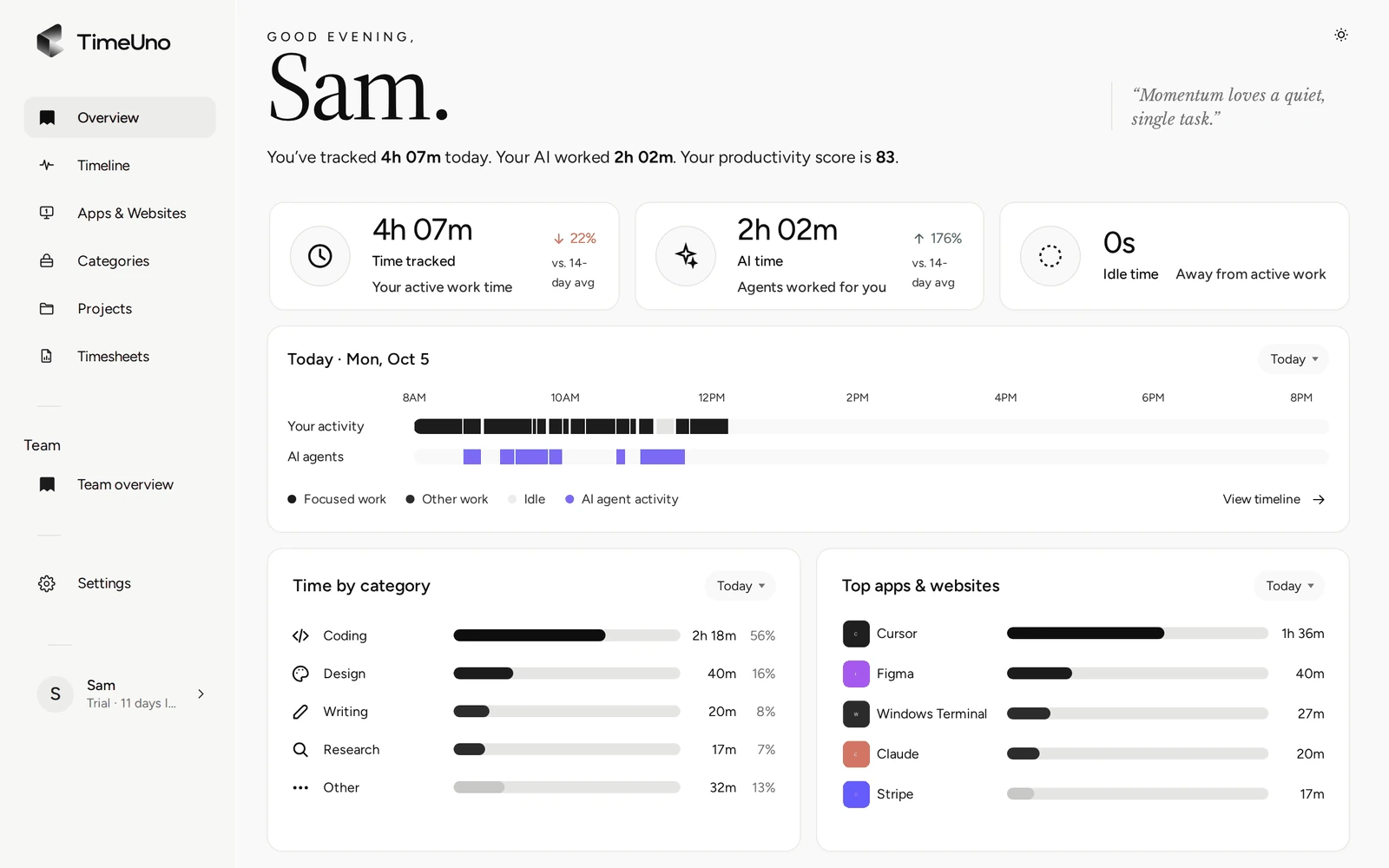
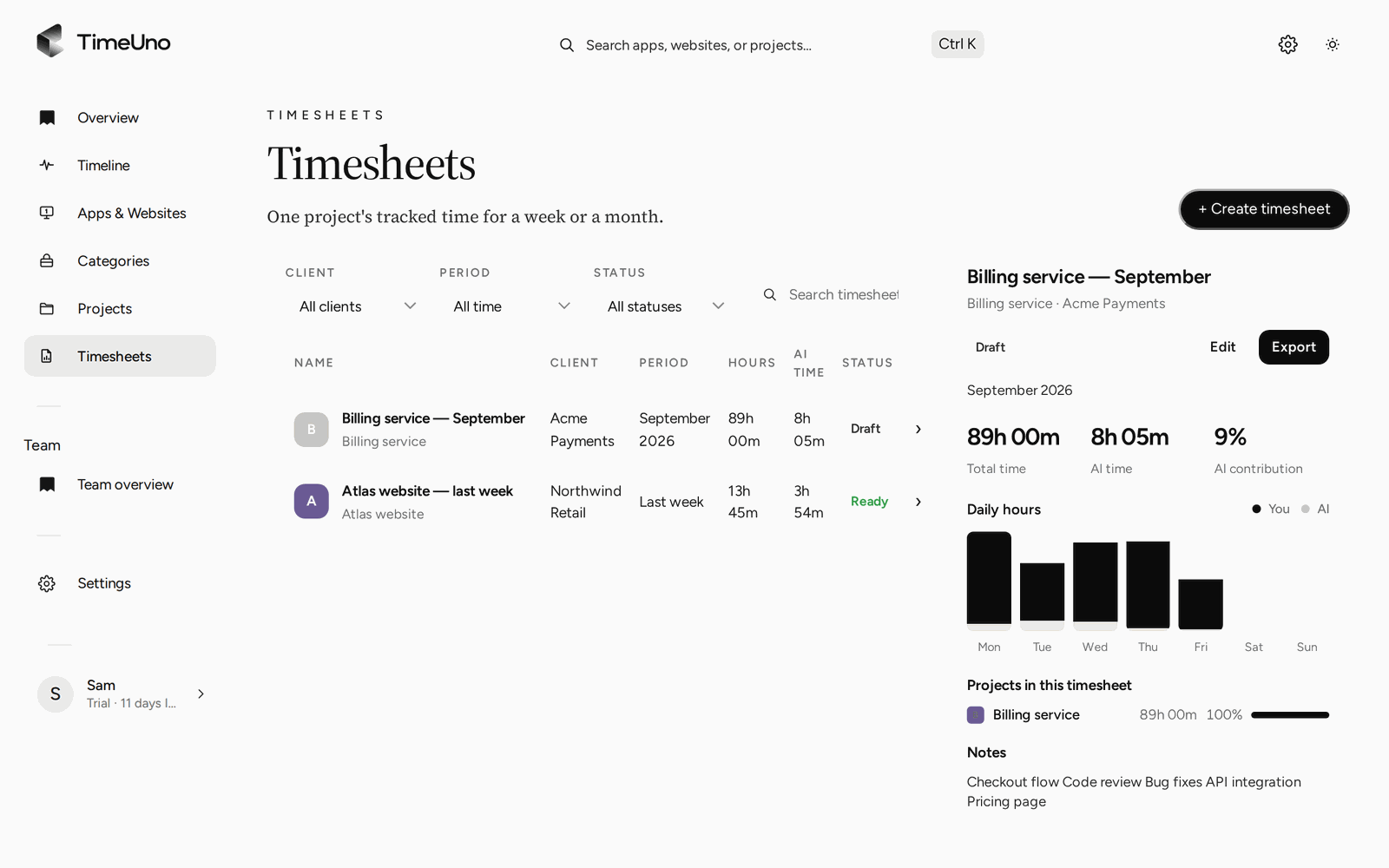
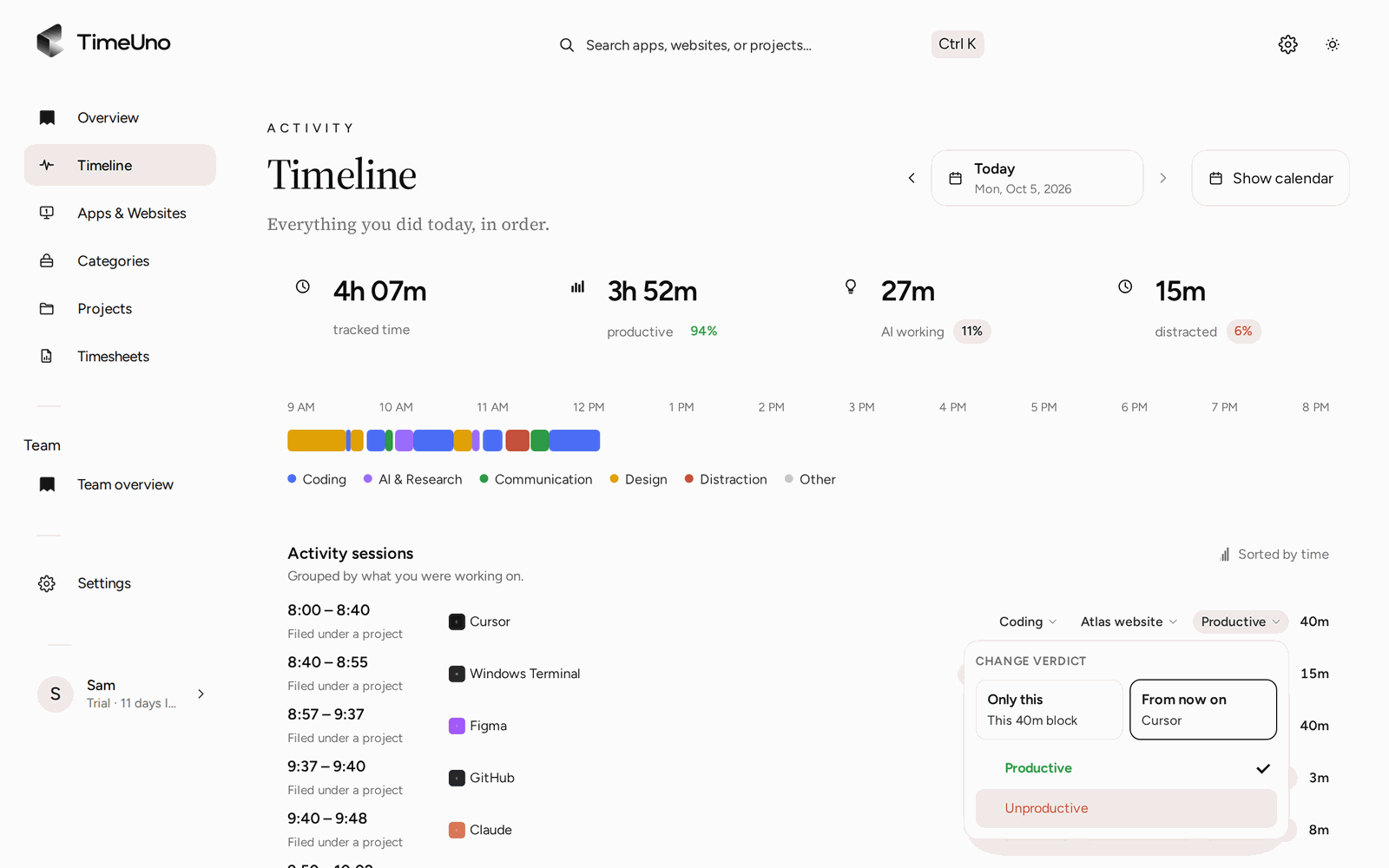
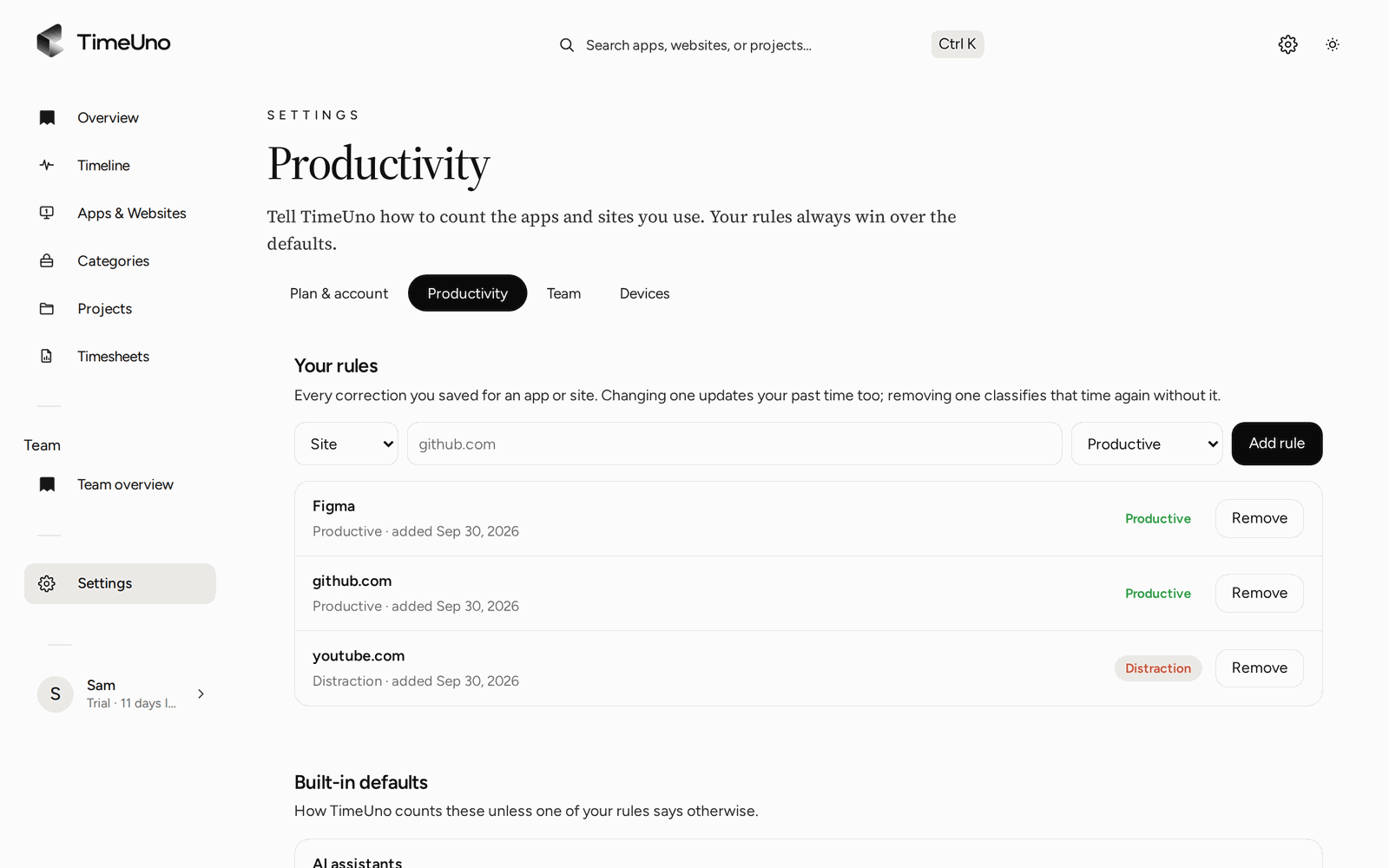
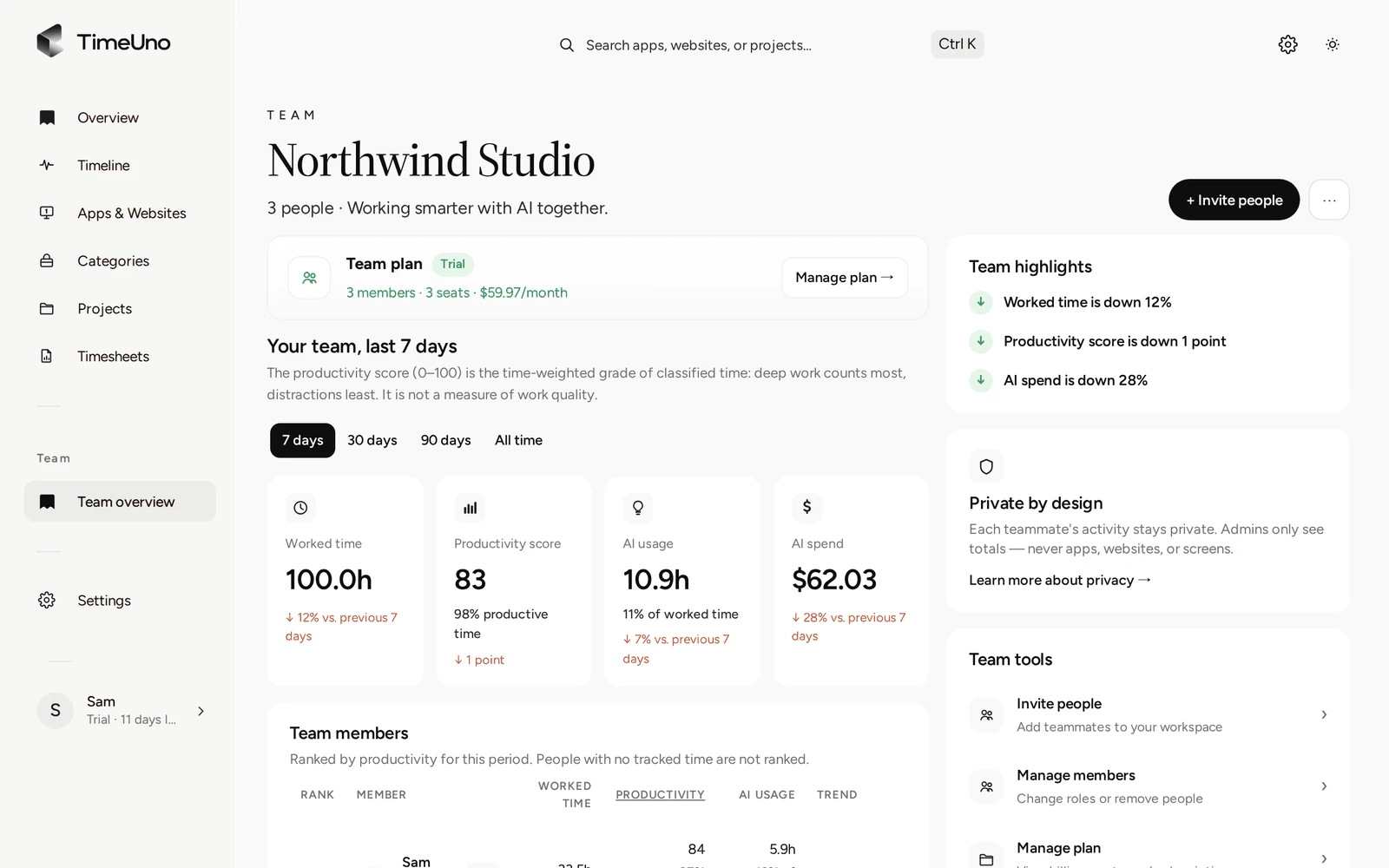
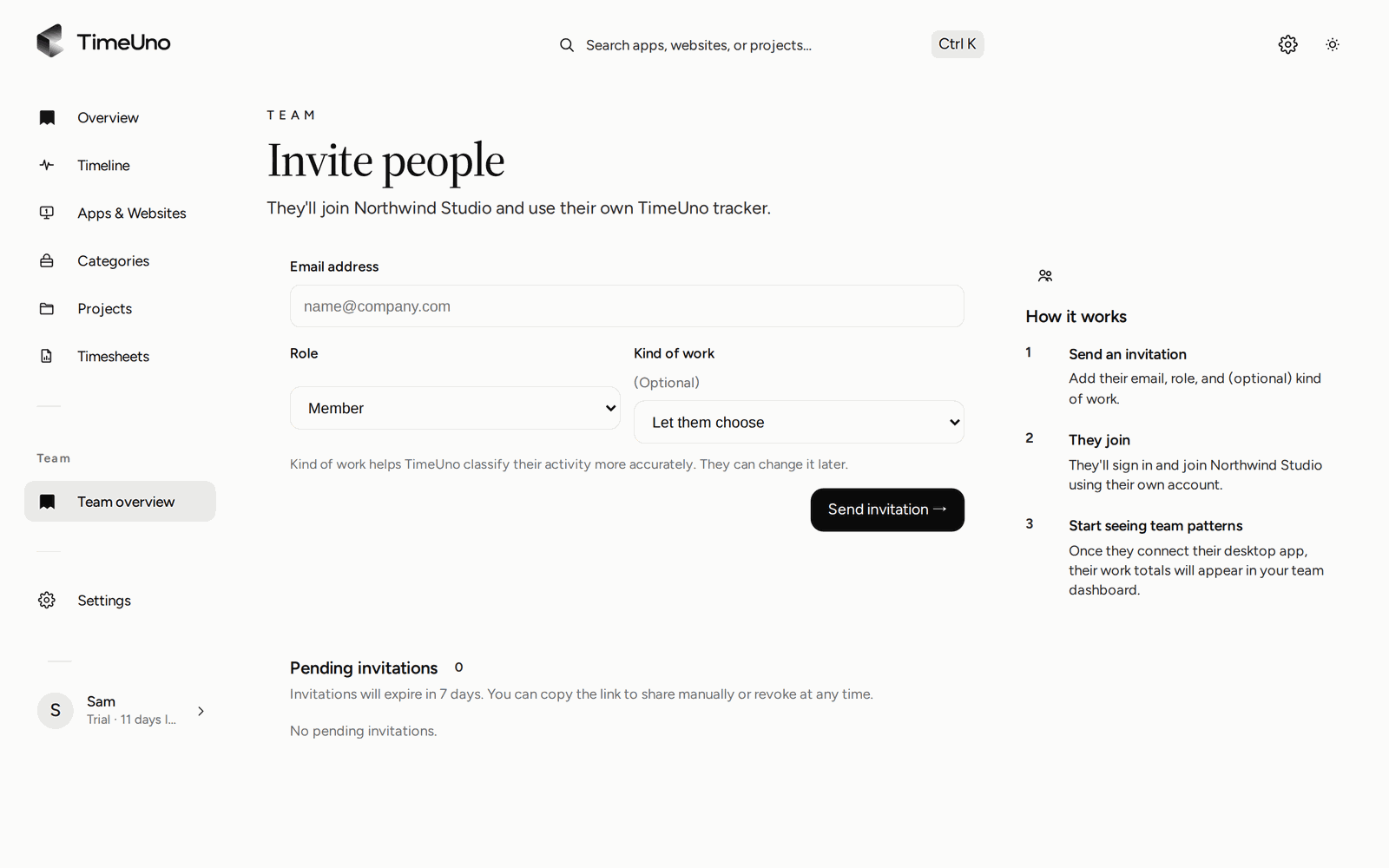
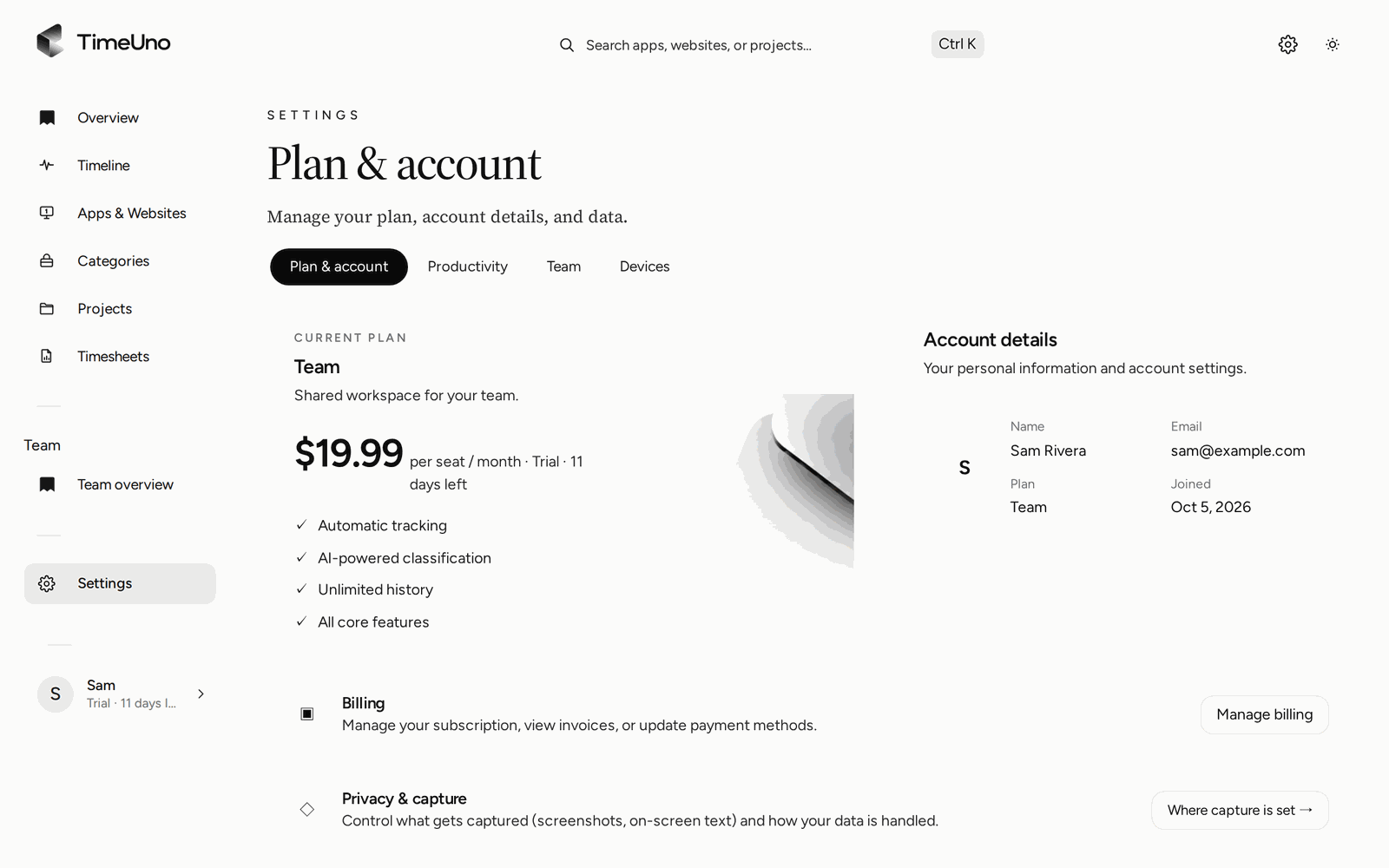
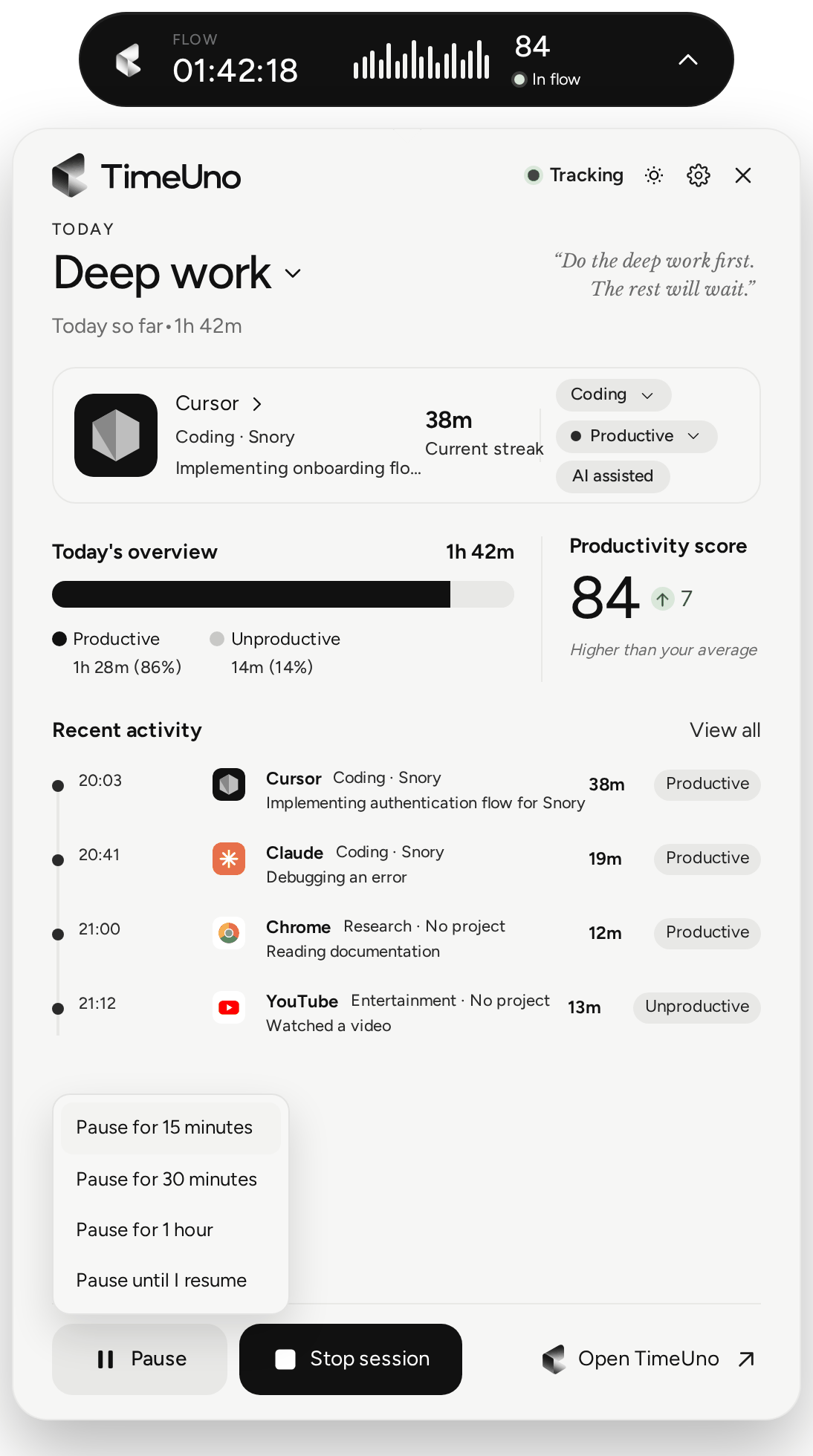
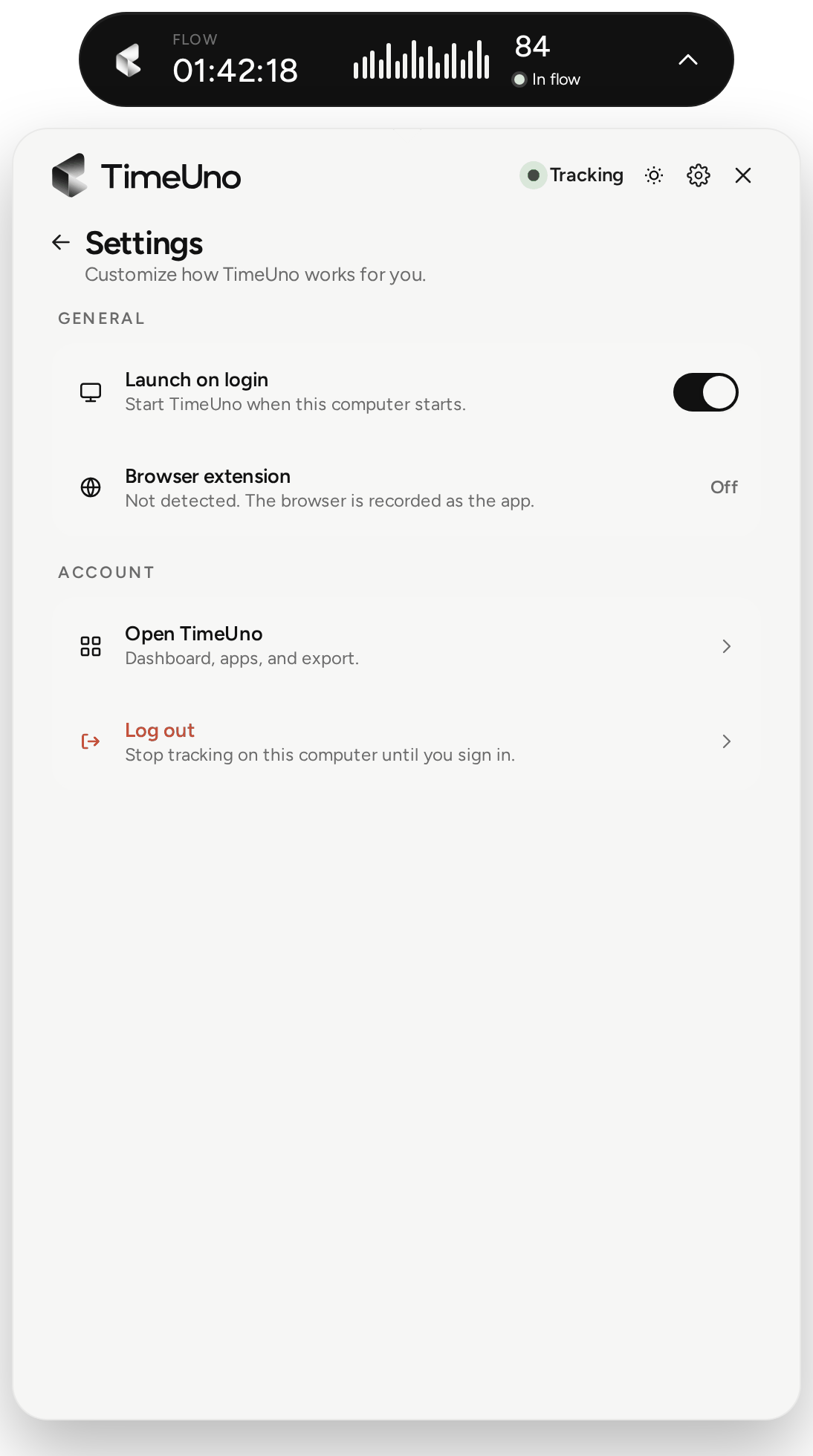
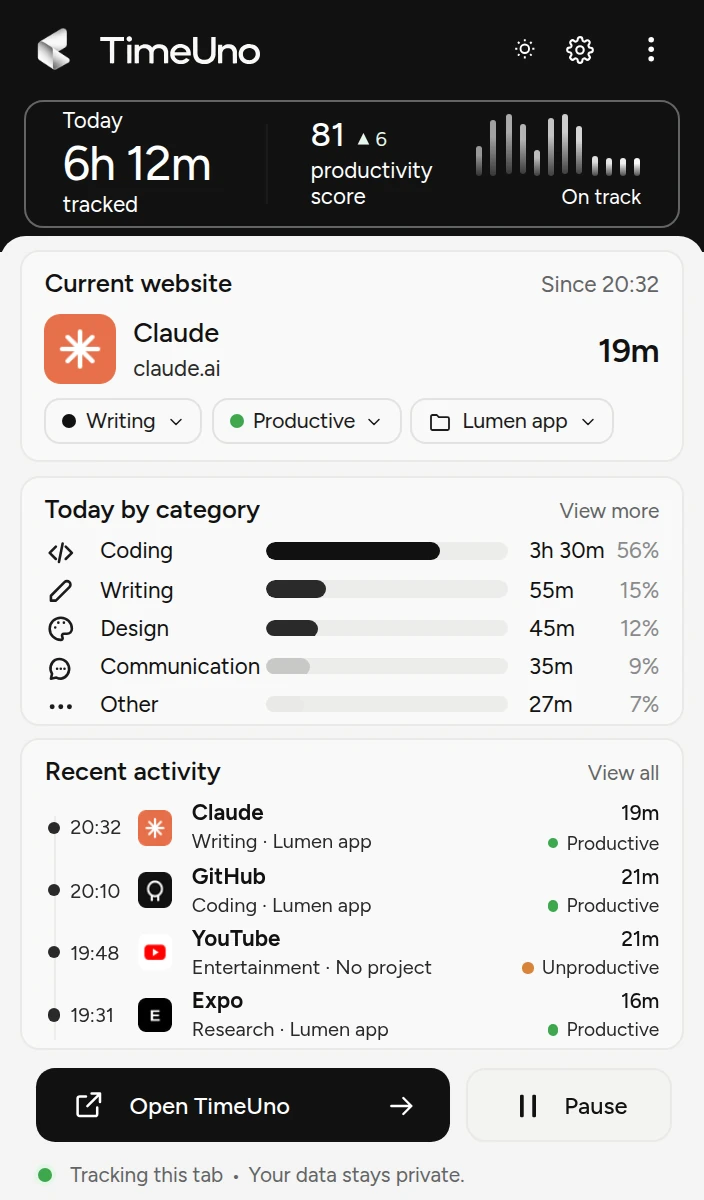
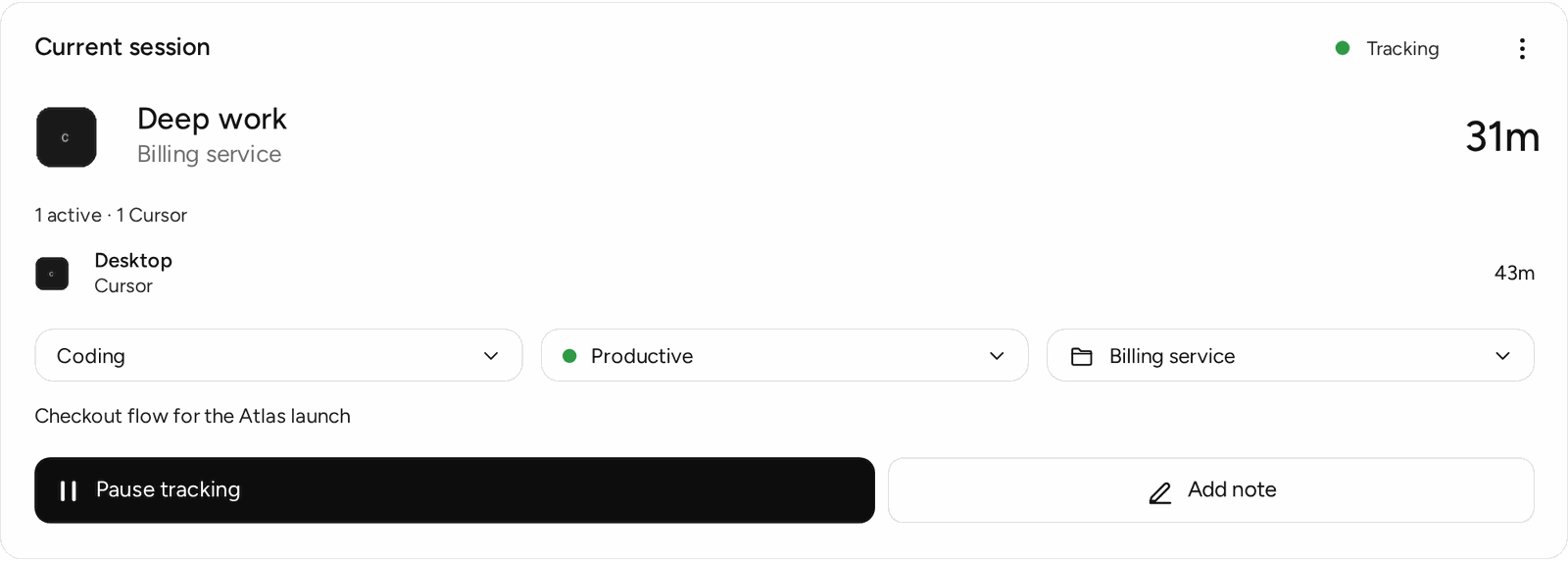
The web app, on sample data. Click an image to open it, or use Download for the full-size file.
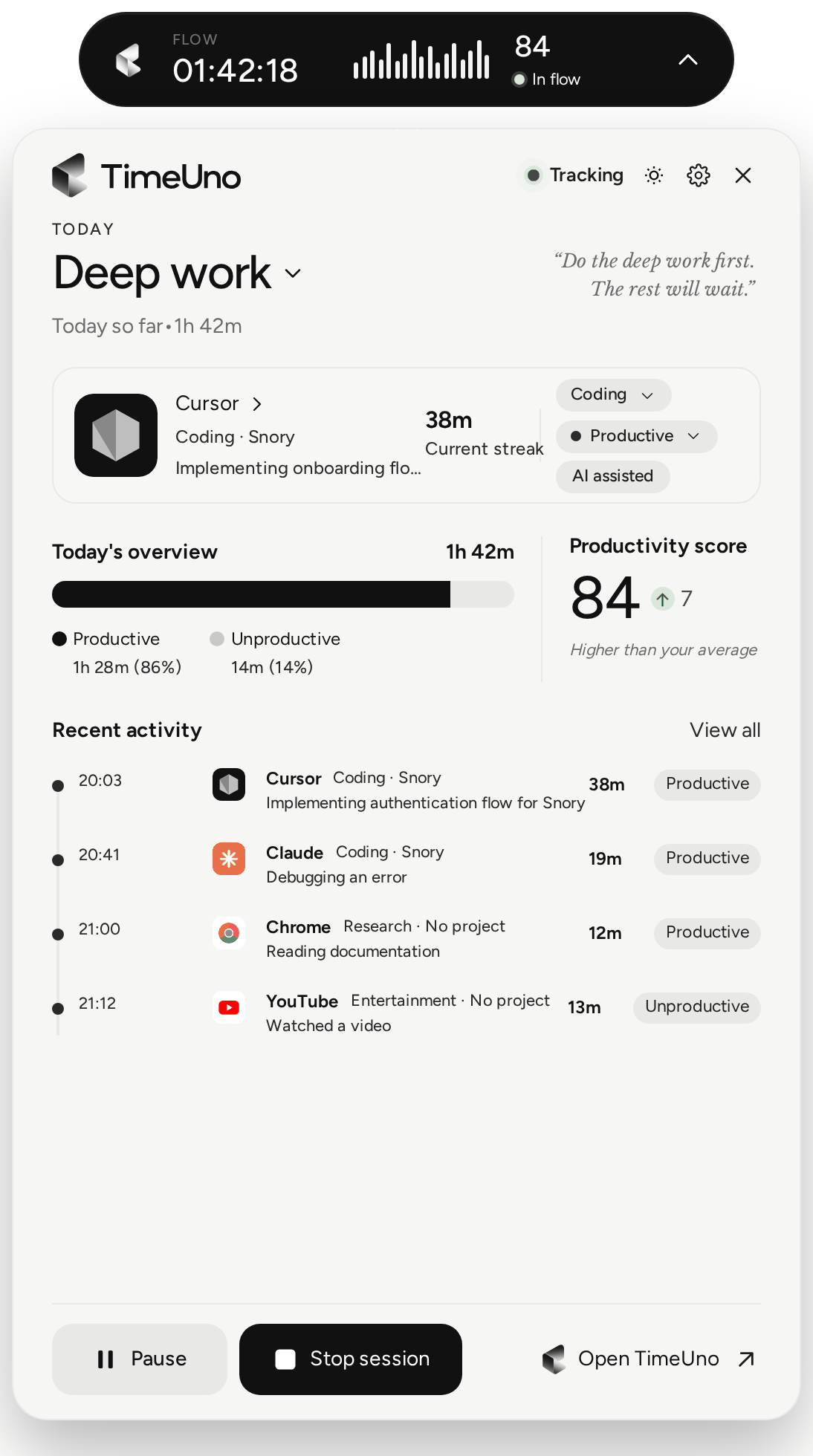
Desktop widget and browser extension

Video
A walkthrough of a working day, and a short loop of the desktop widget. Free to embed or cut from.
Graphics and photos
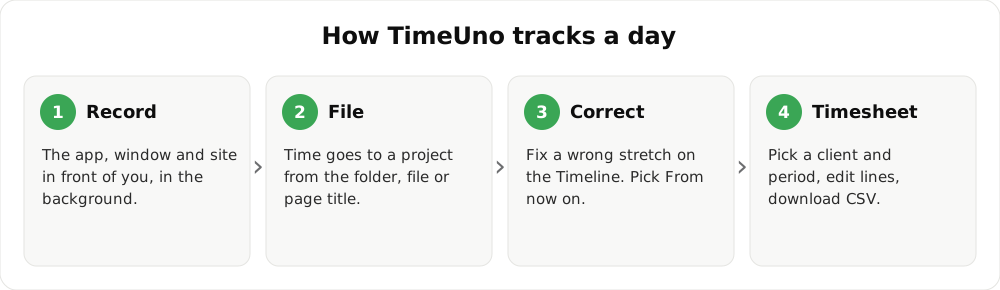
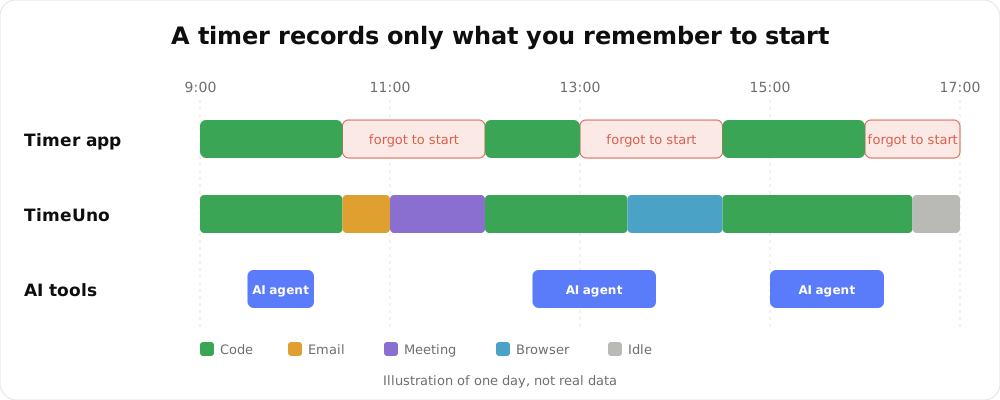
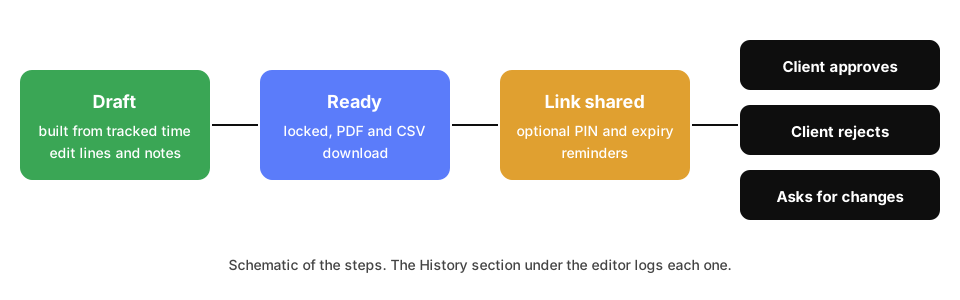
Vector infographics you can drop into an article, and a photo of TimeUno on a laptop.

Contact
Questions, quotes, a review account or a different size of an image: support@timeuno.io. Want to earn from recommending TimeUno? See the partner programme.
Social images
Elsewhere